Export keys
Download the private keys of your wallets to use them in Phantom.
Your wallets are yours. Export their private keys any time and import them into a wallet app like Phantom, to use them outside Newport or to keep a copy.
Pick which wallets
Pick All wallets on the left of Wallets to export every wallet, the funding wallet included. Pick a group to export only that group's wallets.
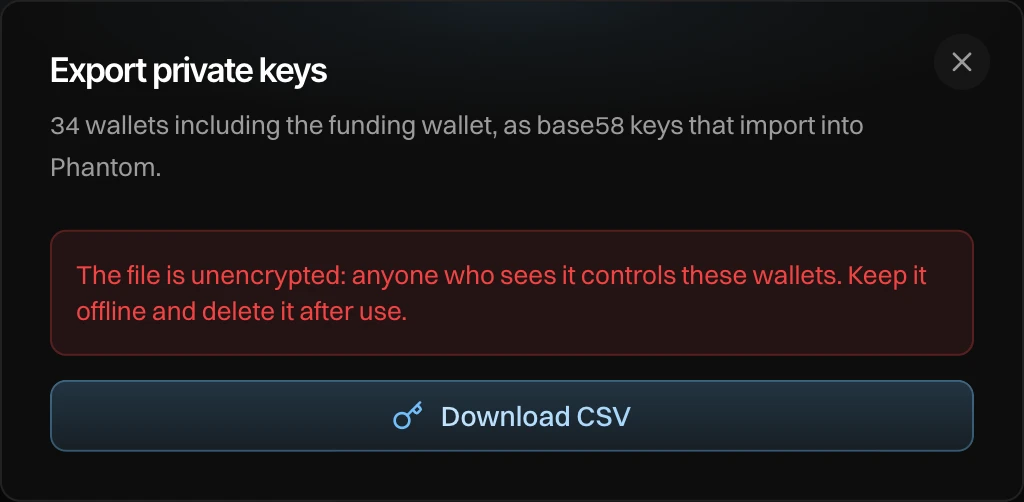
Press Download CSV and enter the email code
Newport asks for a code from your email every time. Then your browser saves a CSV file with the columns Address, Private Key, Group, Funding Wallet and Created At. The keys are base58, the format Phantom imports.
The file is not encrypted. Anyone who sees it controls these wallets. Keep it offline and delete it after use.
Import a key into Phantom
In Phantom, add a wallet, choose to import a private key, and paste the value from the Private Key column.