Your first launch
Follow one launch from start to finish, from the token details to the moment it goes live.
A launch has four steps, shown at the top of every launch screen: Chain & launchpad, Token details, Launch settings and Launch. Newport saves as you go, so you can stop at any point and come back from the sidebar. Nothing is sent and no token exists until you press Launch in the last step.
This page walks through one launch. Each step links to its own page with every detail.
Before you start
Your funding wallet needs SOL. See Set up in three steps.
Chain & launchpad
Press New launch. Solana and pump.fun are picked for you. Choose what your token is bought and sold with (SOL unless you change it), and who earns its creator fees: your dev wallet, or everyone who holds it.
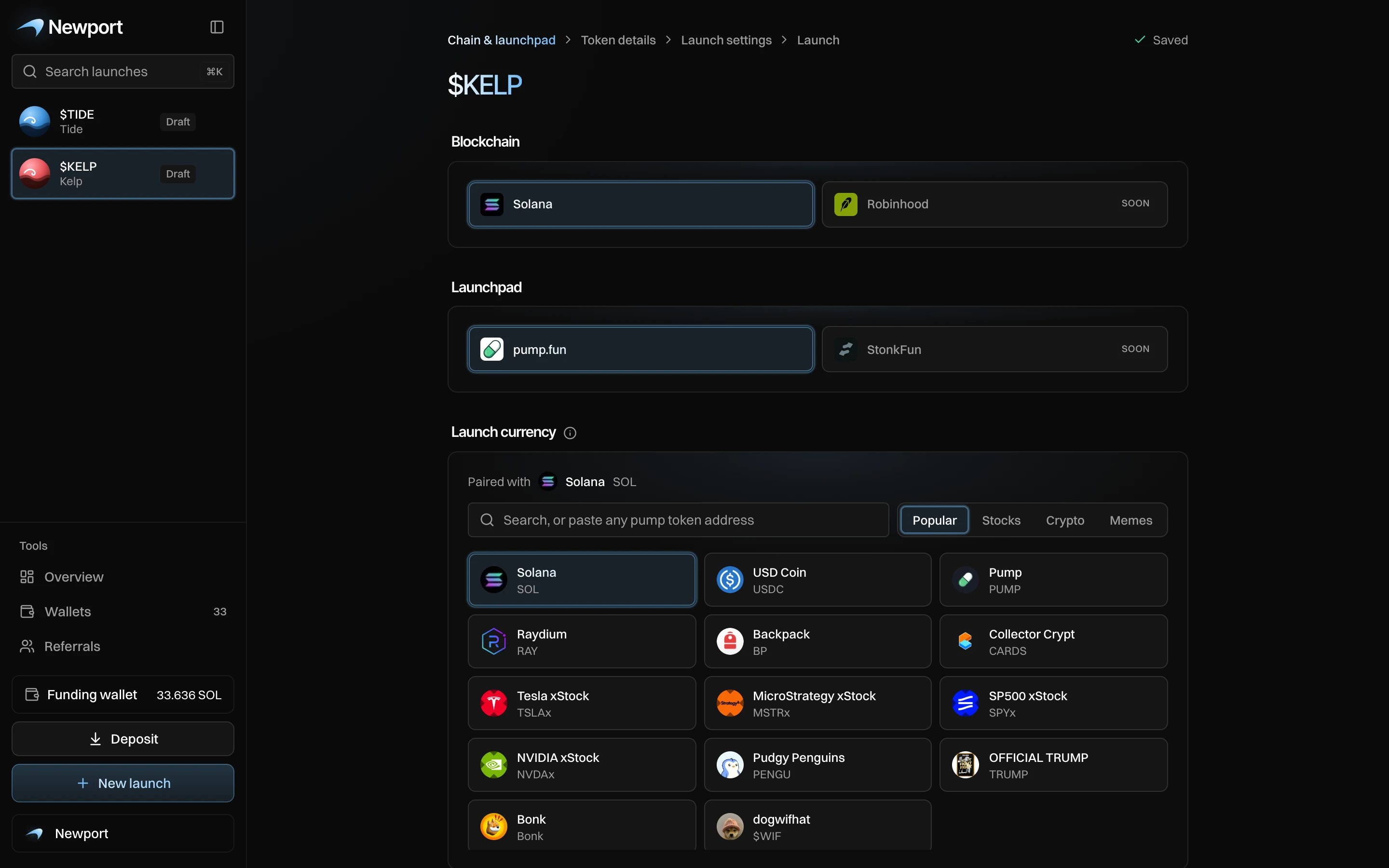
More: Launch currency and creator fees, or start from a token that exists already with Import a token or Clone a launch.
Token details
Add a name (up to 32 characters), a ticker (up to 10) and an image. A description and links to X, Telegram and a website are optional. The preview on the right shows about how it looks on pump.fun. Press Create token to save the draft.
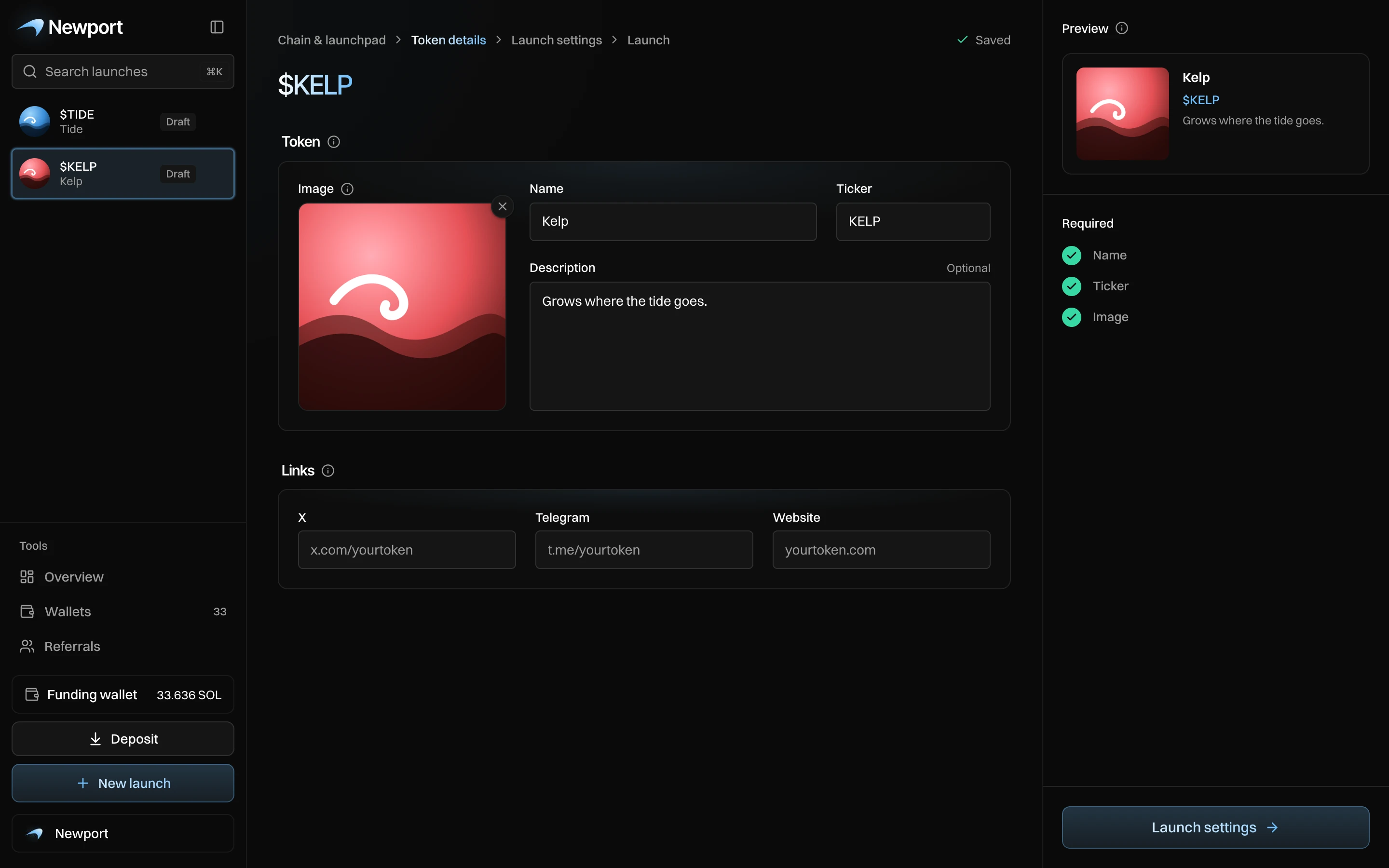
More: Token details.
Launch settings
One screen plans the whole launch, in five parts:
- Buys: pick a style (Block-0, Stealth, Organic or Manual) and change any of its buys.
- Sniper Guard: what happens if outside buyers rush in while your buys go out.
- After launch: a plan that starts selling on its own, or Nothing.
- Wallets: press Create N wallets to make your dev wallet and buyer wallets. It is free.
- Funding: press Send to move the SOL your wallets need from your funding wallet.
The summary on the right shows the market cap after your buys, a timeline, SOL needed and Max loss. When Ready to launch shows 6 of 6, press Create.
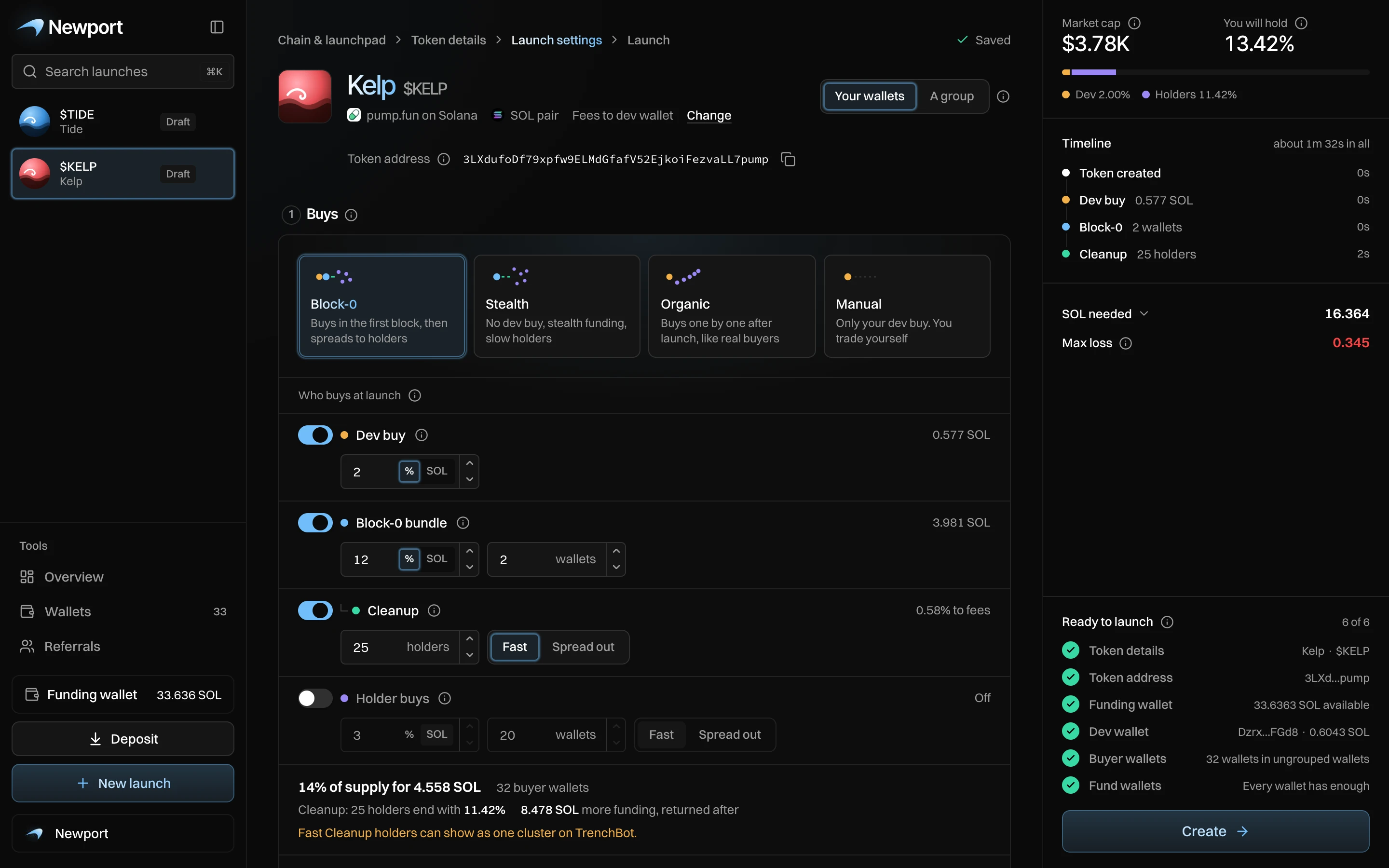
More: Launch settings at a glance.
Launch
The launch view shows your plan once more, with the token address and what happens after launch. Press Launch for … SOL. It counts down from 3, so you can still cancel. Then Newport creates the token and sends your buys, and you see each step as it lands.
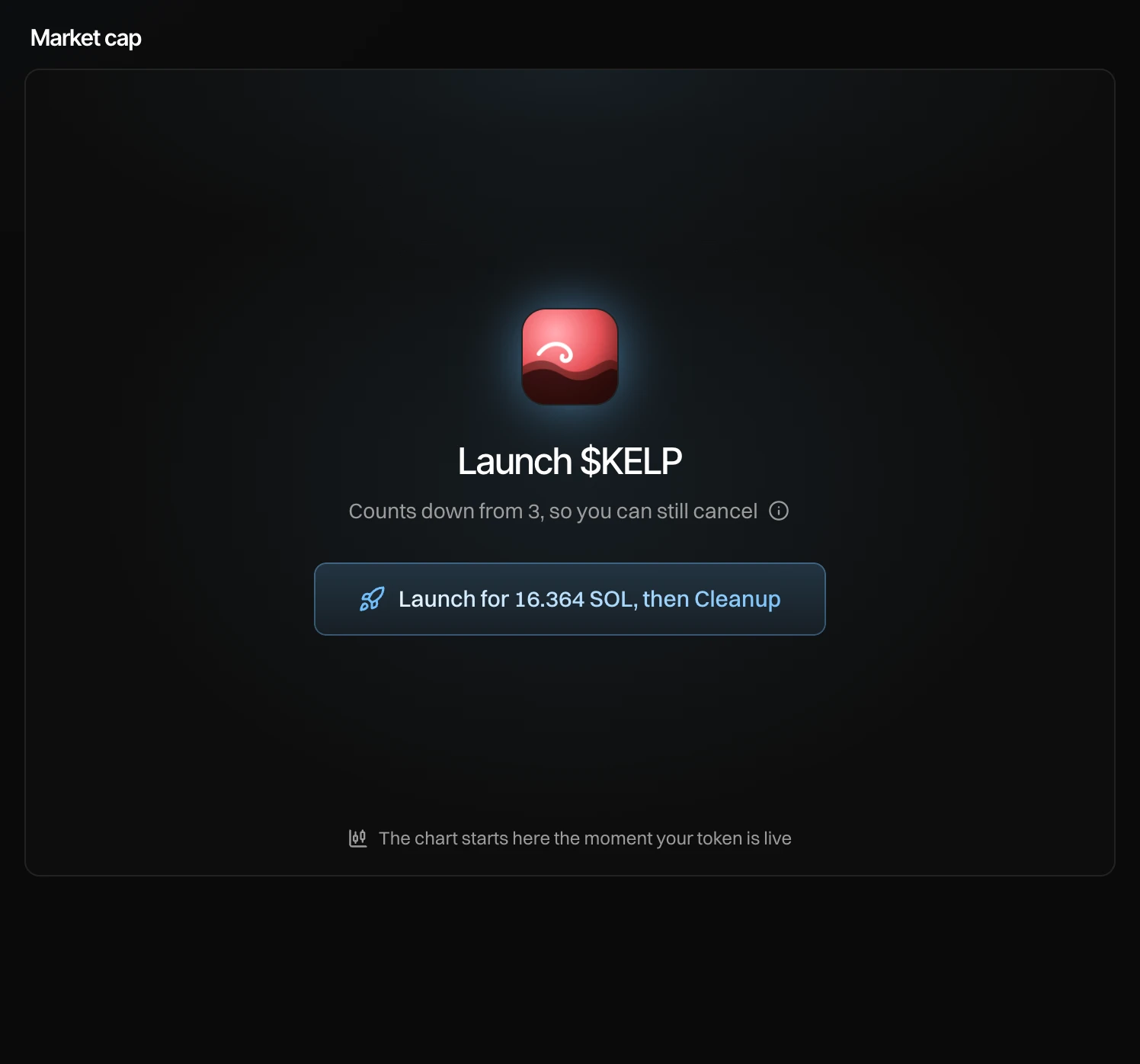
More: Launch day.
After it goes live
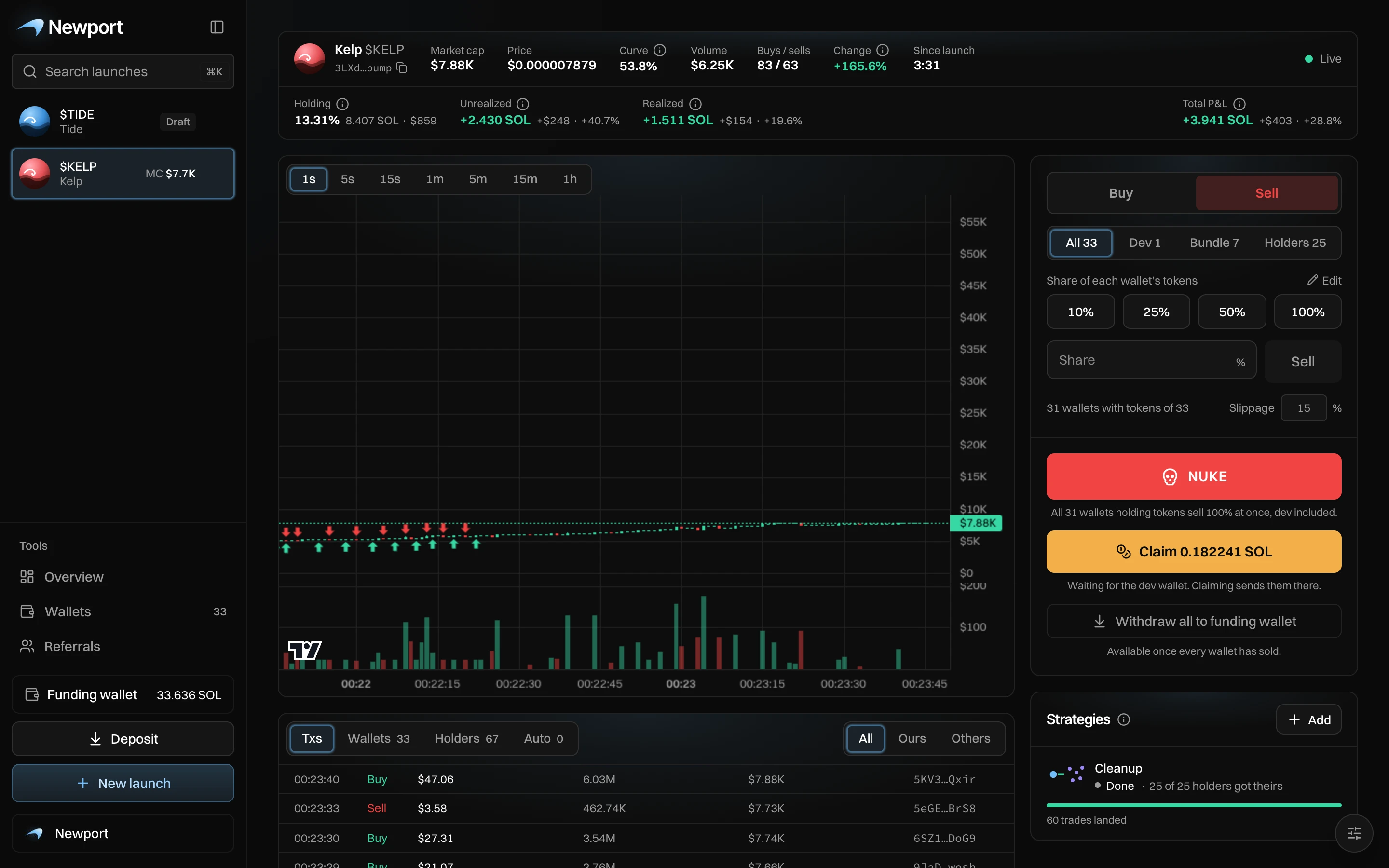
The same screen becomes the live page: the chart, your holdings and profit, a panel to buy and sell from your wallets, and your strategies. Cleanup and your After launch plan run on the server, even with the page closed.
Keep your token address to yourself until launch. Anyone who has it can buy in your first block.