Buy and sell
Buy or sell from all your wallets at once, or from one group of them.
The Trade panel on the live page sends one order to many wallets at once. You pick buy or sell, which of your wallets trade, and how much. Each wallet trades for itself, so you can follow every result in the Wallets table.
Before you start
- A live token. See Launch day.
- To buy: SOL in the wallets that buy. Each wallet buys with its own SOL.
Pick Buy or Sell, and which wallets
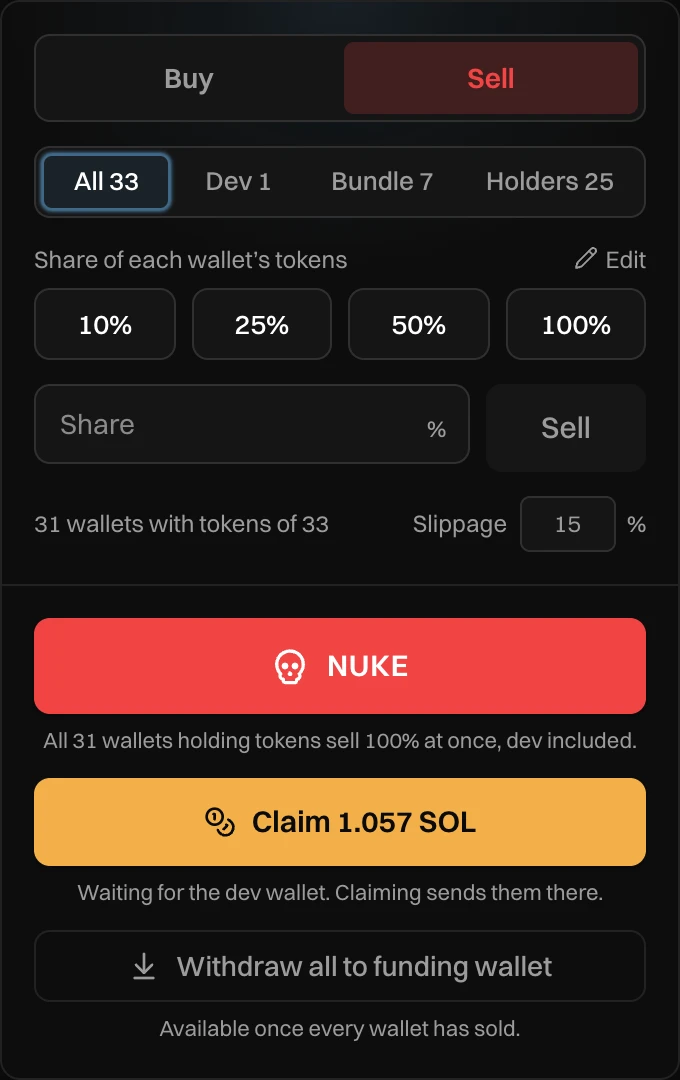
- Buy or Sell. The panel opens on Sell.
- Which wallets trade: All, Dev, Bundle or Holders. The number is how many wallets each holds.
Press a preset, or enter your own amount
- The presets. Press one and the order goes out right away, with no second click.
- Your own amount: type it and press Sell or Buy.
- How many wallets the order goes to, and the slippage.
| Buy | Sell | |
|---|---|---|
| A preset means | SOL from each wallet | A share of each wallet's tokens |
| Presets | 0.1, 0.25, 0.5 and 1 SOL | 10%, 25%, 50% and 100% |
| Your own amount | Up to 10 SOL per wallet | Up to 100% |
| Wallets that trade | Every wallet you picked | Only those holding tokens |
So Buy 0.25 with Bundle 7 spends 0.25 SOL from each of the 7 bundle wallets: 1.75 SOL in all. Sell 25% with All 33 sells a quarter of what each wallet holds, and skips wallets that hold nothing.
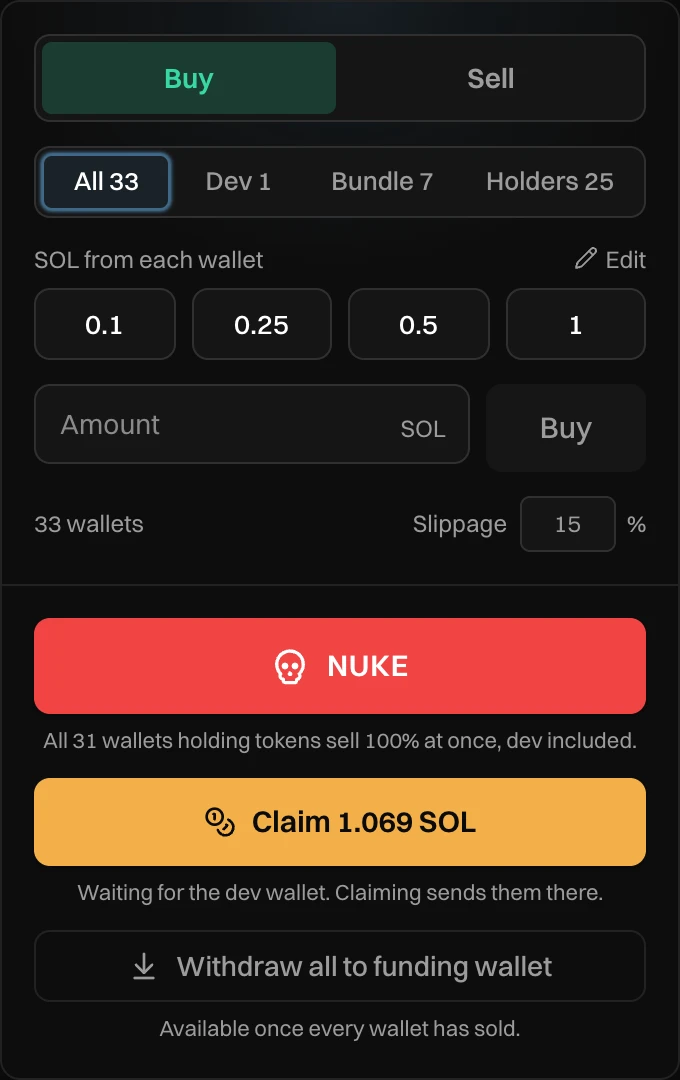
A buy is in SOL even when your token trades against another launch currency. Newport swaps the SOL for you.
Follow the result
While the order runs, each wallet shows its state in the Wallets table. When it is done, you see a message:
- "Bought 0.25 SOL from 7 wallets" or "Sold 25% from 31 wallets" when every wallet traded.
- "Sold 25% from 29 of 31 wallets." with the reason, when some did not. Press again to try the rest.
Change the presets
Press Edit above the presets, type your own numbers, then press Done. Buy and sell have their own presets. They are saved in this browser, for every launch, and the Wallets table uses the same ones.
Slippage
Slippage is how far the price can move against you before a trade is refused. It starts at your launch's slippage (15% by default) and goes from 1 to 100%. A fast moving market needs more, a slow one less.
Every buy and sell pays Newport's volume fee, and a sell with profit also pays the profit fee. See Fees.
Messages you can see
| Message | What to do |
|---|---|
| Already on its way | That wallet's last order is still running. Wait for it to finish. |
| Buy more than 0 and at most 10 SOL per wallet | Enter an amount up to 10 SOL. |
| Sell between 0 and 100% | Enter a share from 1 to 100. |
| Sold 25% from 29 of 31 wallets. ... (2 failed) | Read the reason, then press again for the wallets that did not sell. |