Wallets
Deposit SOL
Send SOL to your funding wallet from any exchange or wallet.
Everything you do in Newport is paid from your funding wallet, so a deposit always goes there. You can send SOL directly, or use a stealth deposit so nothing links what arrives back to you.
Before you start
You need a funding wallet. See Set up in three steps.
Press Deposit
On the funding wallet card in Wallets, or under the funding wallet in the sidebar.
Send SOL to the address
With Direct picked, copy the address or scan the QR code, and send SOL from any exchange or wallet.
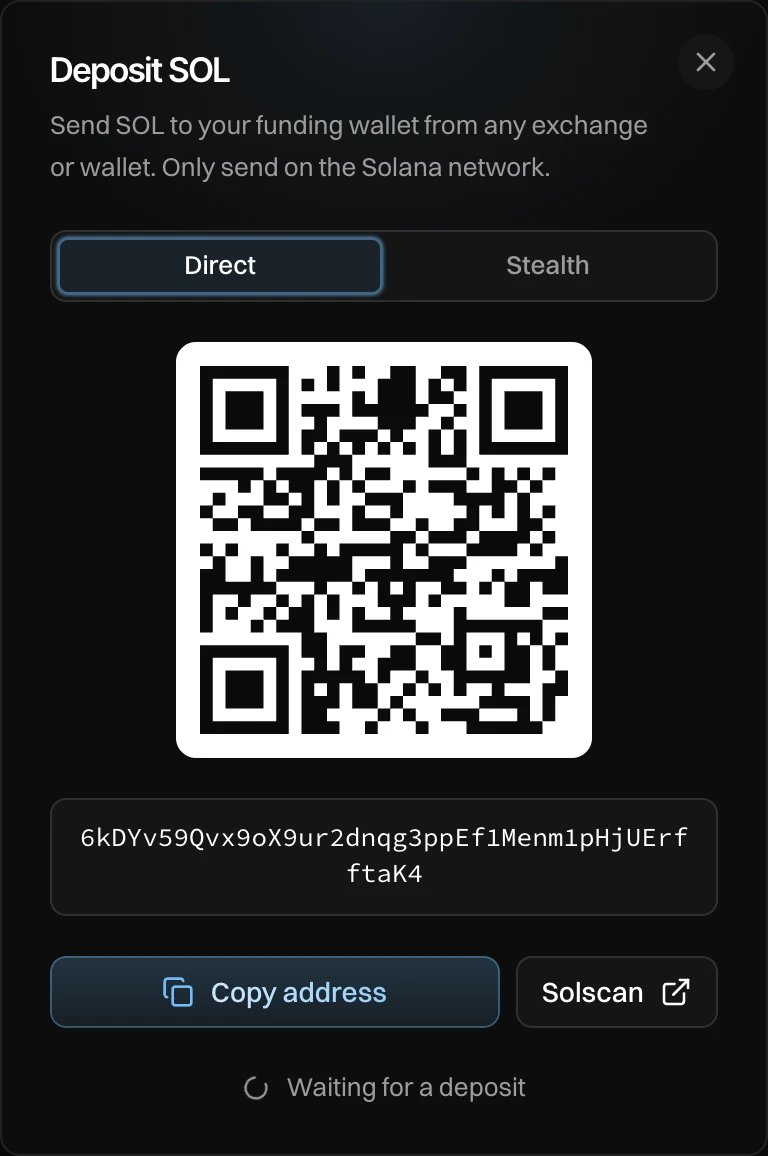
- Your funding wallet's address, as a QR code and as text. Solscan opens it on a block explorer.
- Copy address copies it.
- While the window is open, it watches for your deposit and shows "Received … SOL" when it lands.
Only send SOL, and only on the Solana network. Other coins, or SOL sent on another network, do not reach your funding wallet. To pay in with another coin, use a stealth deposit.
Good to know
- An exchange can take a few minutes to send. You can close the window: the balance updates on the funding wallet card and in the sidebar.
- Every deposit shows in History.