The launch flow
Every launch goes through four steps, and Newport saves your work as you go.
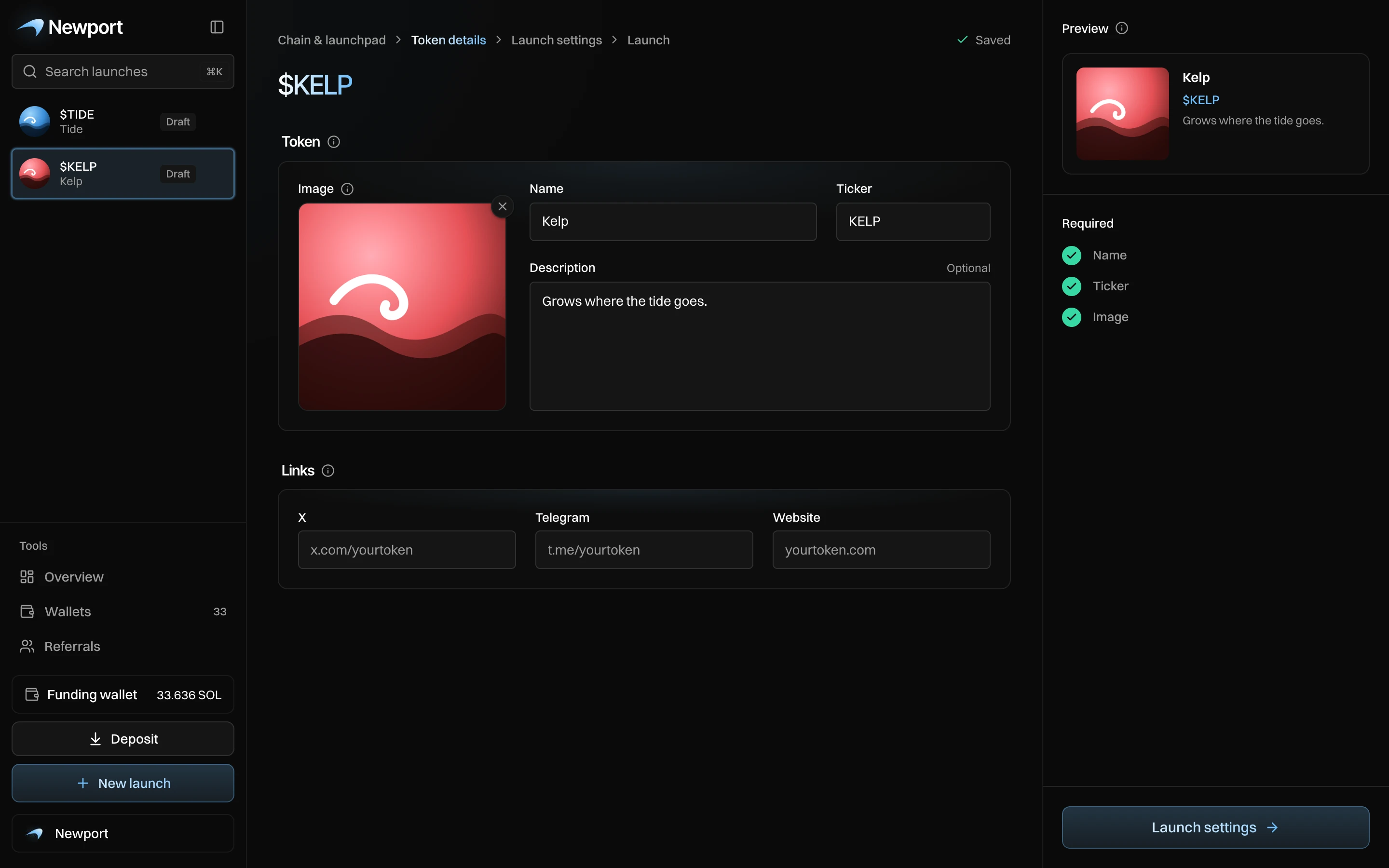
Every launch goes through the same four steps, shown at the top of each launch screen: Chain & launchpad › Token details › Launch settings › Launch. A step opens once the one before it is complete and saved, and you can go back to any step from there.
| Step | What you do | Page |
|---|---|---|
| Chain & launchpad | Pick the launch currency and who earns the creator fees. | Launch currency and creator fees |
| Token details | Add the name, ticker, image and links. | Token details |
| Launch settings | Plan the buys, Sniper Guard, After launch, the wallets and the funding. | Launch settings at a glance |
| Launch | Check the plan and press Launch. | Launch day |
Newport saves as you go
Every change saves itself a moment after you make it. Next to the steps you see Saving, then Saved. If Newport can't reach the server, you see Not saved, retrying, and it tries again every few seconds until it works.
Your unfinished launches are drafts in the sidebar. A draft opens at the step you still need: Token details while the name, ticker or image is missing, Launch settings after that.
On your phone
The steps show as "Step 2 of 4: Token details" over a bar in four parts, and the button to the next step stays at the bottom of the screen.