Get access
Newport is invite-only. Here is how to join with a code and sign in.
Newport is invite-only. To make an account, you need an access code from someone who already uses Newport, or an invite link with the code in it. Once you are in, you sign in the same way every time.
Join with an invite link
An invite link looks like app.newport.tools/i/YOURCODE. Open it, and the sign-up opens with "Your access code YOURCODE
is ready." Make your account, and the code is added for you.
The link keeps your code for 24 hours, so you can finish signing up later the same day.
Join with a code
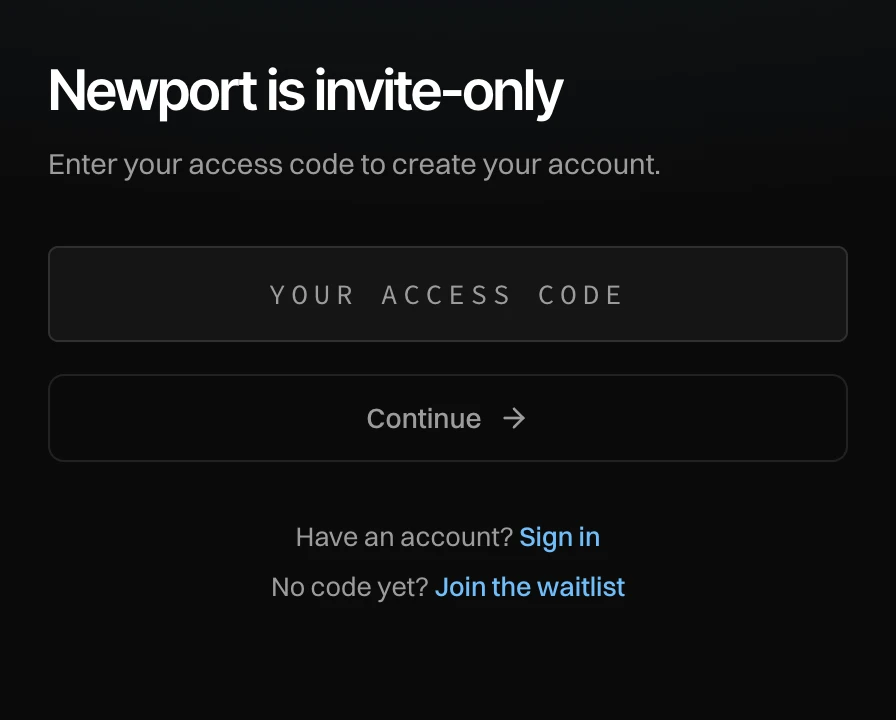
Enter your access code
Go to app.newport.tools/sign-up and type your code. A code has 4 to 12 letters or digits. Spaces and dashes are left out for you.
Press Continue
The sign-up opens with your code. Make your account with one of the ways below.
No code yet?
Press Join the waitlist to ask for access on newport.tools.
If you are already signed in but your account has no code yet, Newport shows "Newport is invite-only. Enter the access code you were given." Type your code and press Join Newport. To use another account instead, press Use another account.
Sign in
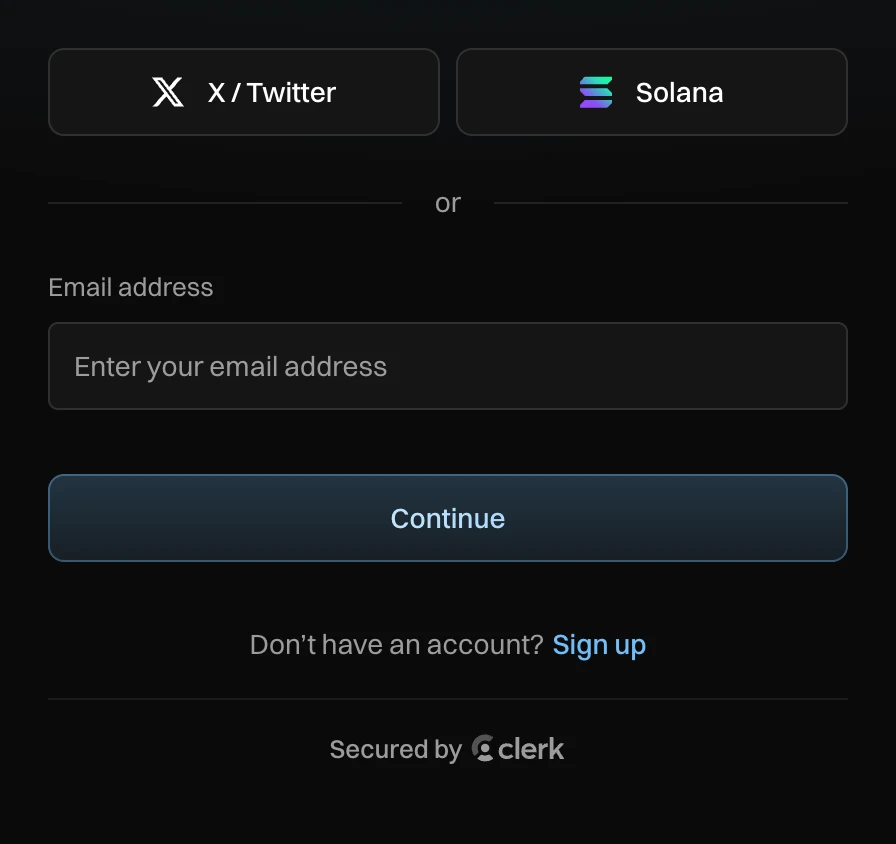
- X / Twitter: sign in with your X account.
- Solana: sign in with a Solana wallet app, for example Phantom.
- Email address: we send you a code by email.
Use the same way each time, so you land in the same account.
Messages you can see
| Message | What to do |
|---|---|
| That code doesn't work. Check it and try again. | Check the code with the person who gave it to you. |
| Too many tries. Try again in an hour. | After 5 wrong codes in an hour, wait an hour. |
| This account has no access. Ask the person who invited you. | This account is switched off. Ask the person who invited you. |