Funding
Send SOL to your launch wallets directly, or through exchanges so nothing links them to you.
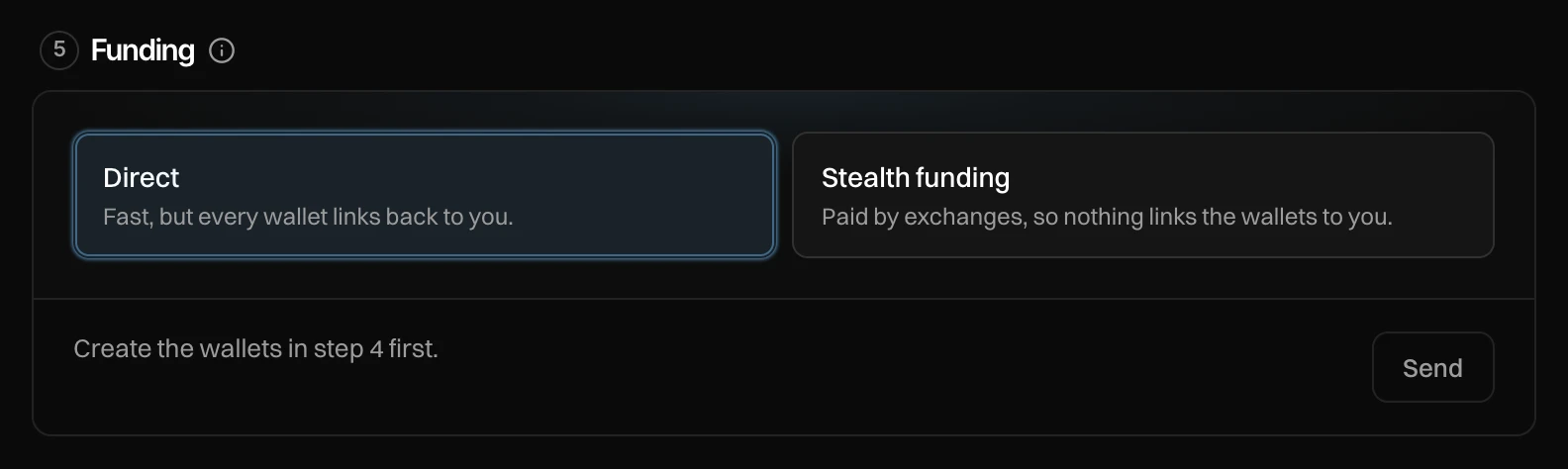
Step 5 of Launch settings, Funding, sends SOL from your funding wallet to your dev wallet and buyer wallets. It buys nothing; the buys happen at launch. Choose how the SOL travels.
| Direct | Stealth funding | |
|---|---|---|
| How | Your funding wallet sends to each wallet. | Exchanges or swap services pay each wallet. |
| Speed | Seconds. | Minutes, or spread over the time you pick. |
| Trail | Every wallet links back to you. | Nothing links the wallets to you. |
| Cost | Network fees only. | The exchanges' fee and the fees, shown before you send. |
Direct
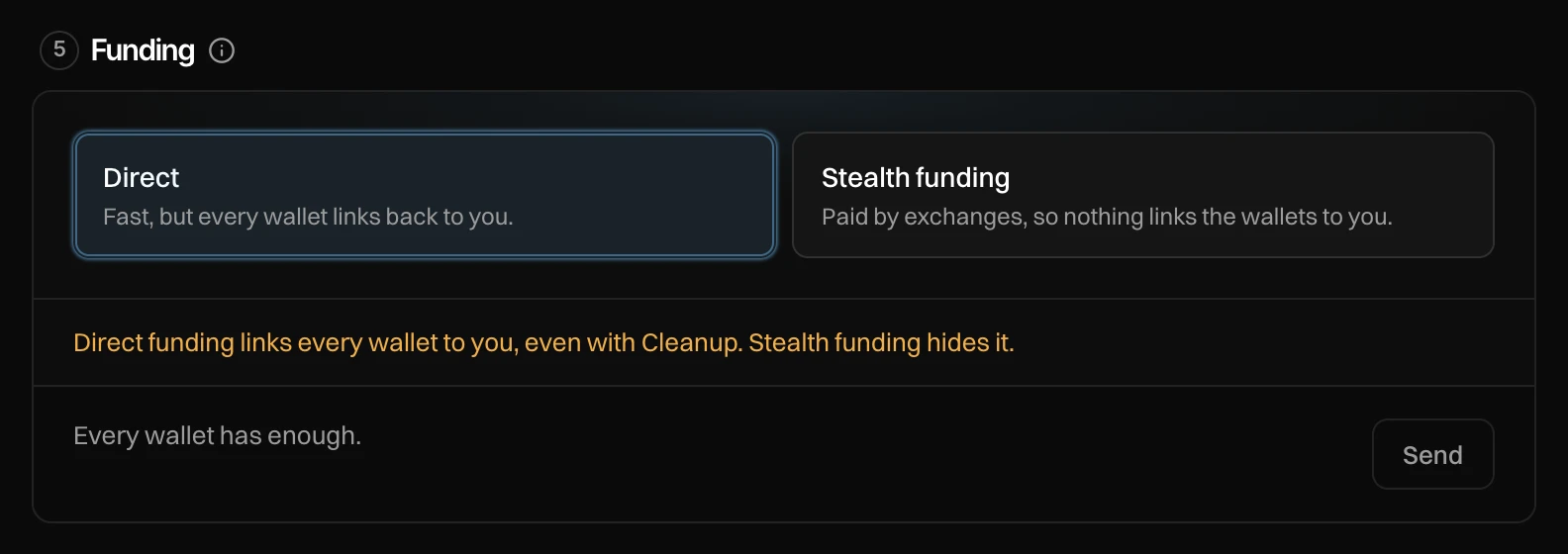
The line says what it sends: "Sends x SOL to N wallets, fees included. Buys nothing." Press Send x SOL.
Stealth funding
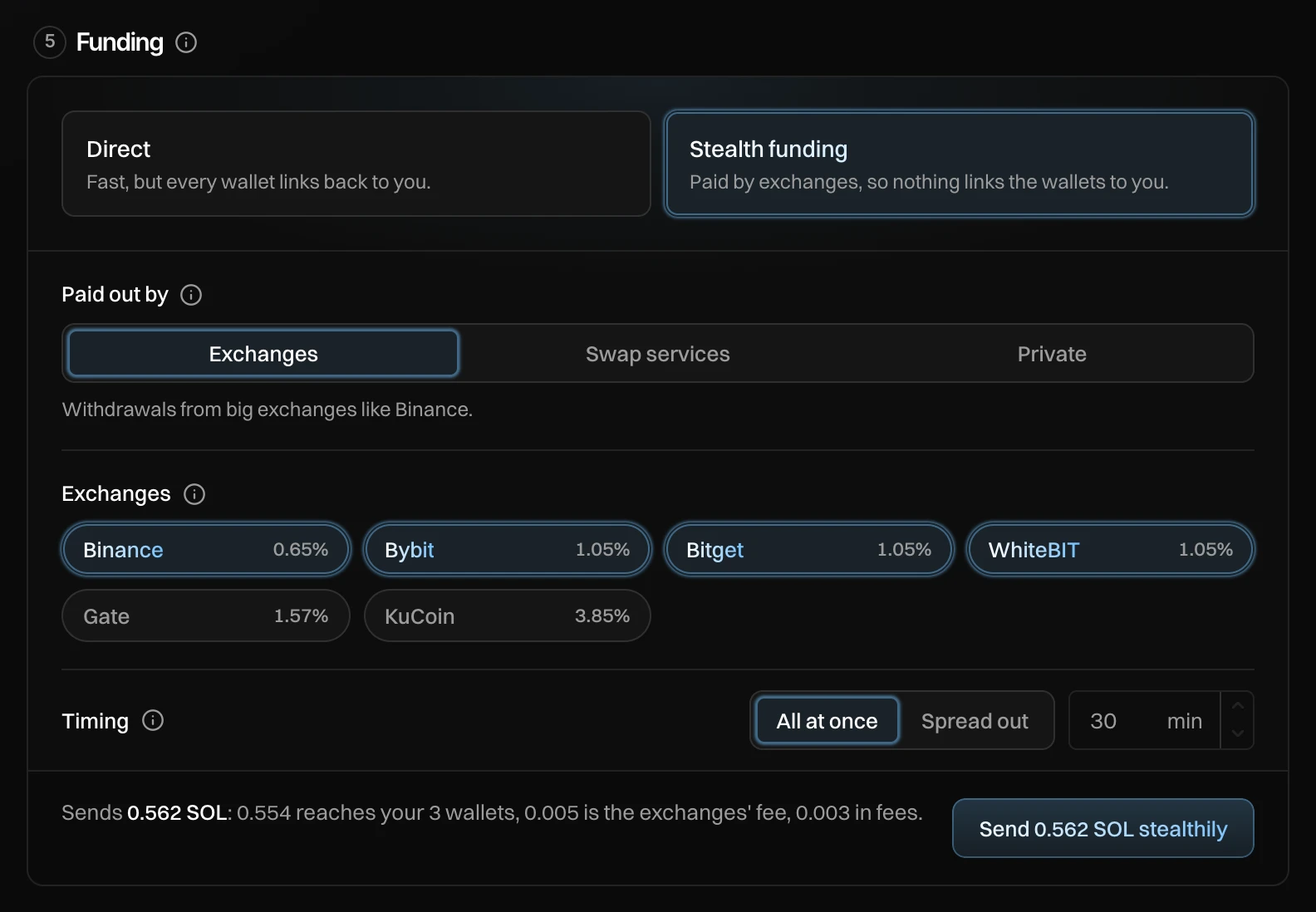
- Paid out by: Exchanges (withdrawals from big exchanges like Binance), Swap services (payouts from instant swap services) or Private (through a privacy coin first; no trail at all, costs more).
- Which exchanges or services. Your wallets are split over the ones you pick, and each shows its fee.
- Timing: All at once (every wallet paid within minutes) or Spread out (each at a random time within the minutes you set, 1 to 1440, 30 by default).
The line says where the SOL goes: "Sends x SOL: y reaches your N wallets over M min, z is the exchanges' fee, w in fees." Press Send x SOL stealthily, check the window that opens, and press Send x SOL. It can't be undone.
While it runs you see "Stealth funding: n of m wallets paid · next at HH:MM". Pay the rest now pays every wallet still waiting at once (not with Private). When it is done: "Your wallets are funded."
Stealth funding sends SOL only. A launch in another currency, and a group's pool, are funded directly.
Messages you can see
| Message | What to do |
|---|---|
| Create the wallets in step 4 first. | Press Create N wallets in Wallets. |
| Create your funding wallet first. | See Set up in three steps. |
| Add x SOL to your funding wallet first. | Deposit at least that much. |
| Every wallet has enough. | Nothing to send. You are ready. |
| n of m wallets did not arrive. Send directly to finish. | Press Direct and send the rest. |