Start a launch
Create a new token, copy one from pump.fun, or clone a launch you made before.
Press New launch in the sidebar (or + on a phone). You can fill in a new token yourself, copy a token that is already on pump.fun, or start from one of your own launches.
A new token
Fill in the steps in order, starting with Chain & launchpad. A new launch starts from Newport's defaults; pick a launch style in Launch settings to fill in a whole plan at once.
Import a token
Press Import a token at the top of New launch, paste the address of any pump.fun token, and press Import.
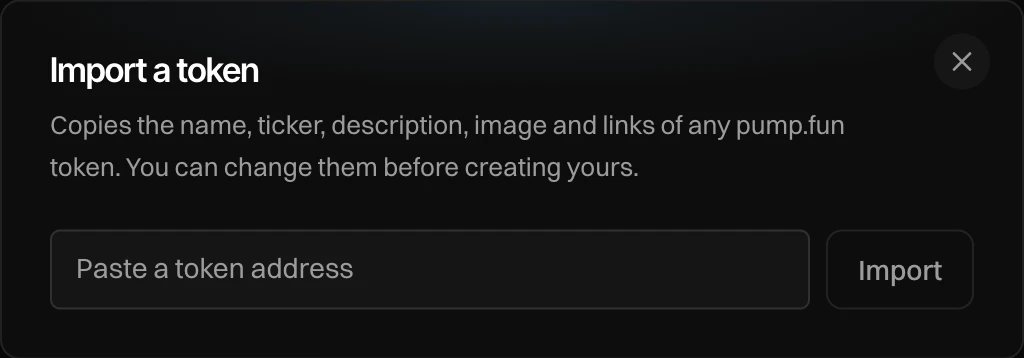
Newport copies its name, ticker, description, image and links, its launch currency and who earns its creator fees. You see "Imported $X, paired with …". Check the first step, then the details, and change anything you like before you create yours.
Clone a launch
Press Clone a launch and pick one of your launches, live or draft.
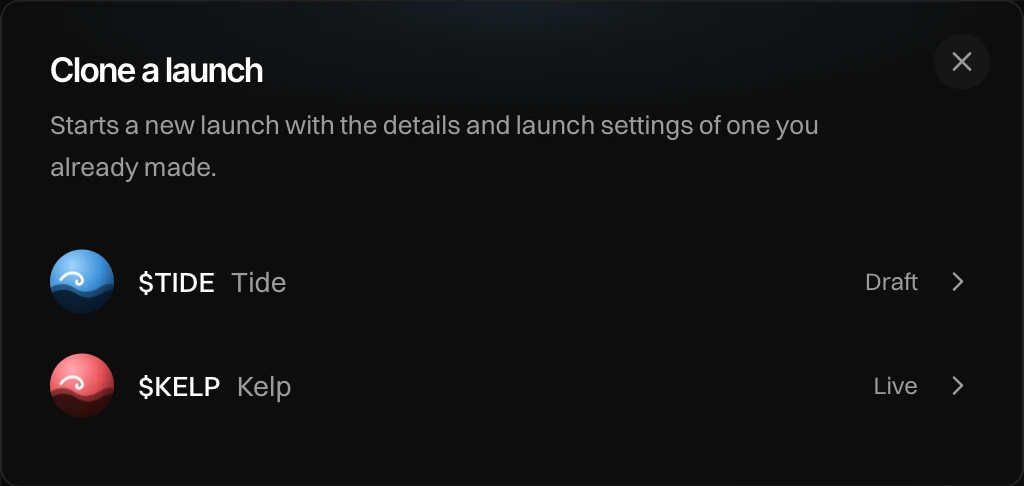
The new launch gets the same details and the same launch settings. If the source used a New dev wallet, the clone gets a fresh one too, so the two launches stay apart. You see "Cloned $X with its launch settings".
Messages you can see
| Message | What to do |
|---|---|
| Invalid token address | Check the address you pasted. |
| Not a pump.fun token | Import only works with pump.fun tokens. |
| Lookup failed | Newport could not read the token. Try again in a moment. |
| Nothing to clone yet | You have no launches yet. Start a new one. |