Open a group
Set the raise, the selling rules and your terms, then open the group link.
You set up a group in Launch settings, on a draft that has not launched yet. Everything you set here is what members join for, so it becomes final once the group opens. Take your time with it.
Before you start
- A draft with its token details filled in. See Token details.
- If you want to put in your own SOL when the group opens: SOL in your funding wallet. See Deposit SOL.
Pick A group
Open Launch settings. Next to How this launch buys at the top, pick A group.
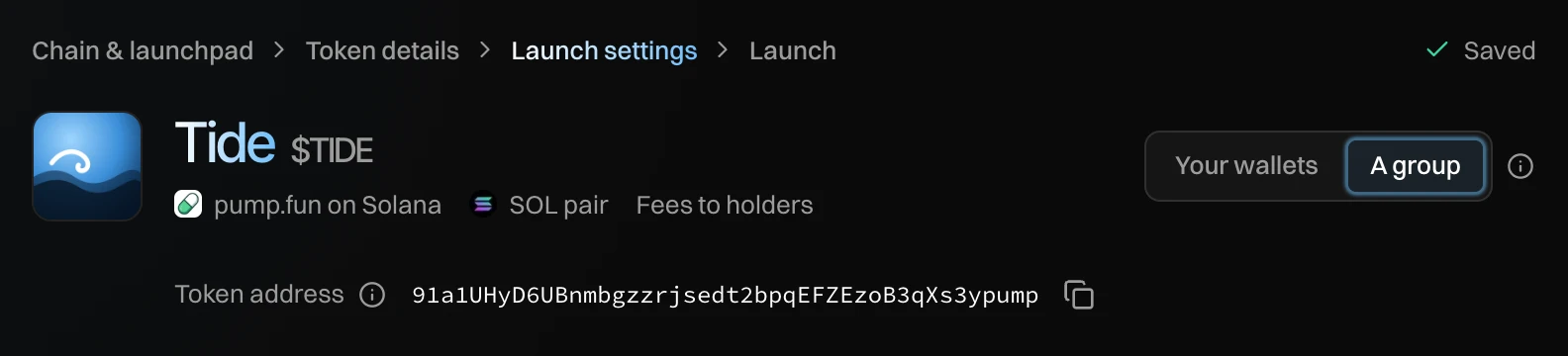
A group launch is paired with SOL, so the launch switches to SOL if it was in another currency. Launch settings now shows the group's setup in place of Buys. You can go back to Your wallets until the group opens.
Set the raise
Under Raise, set how much the group raises and for how long.
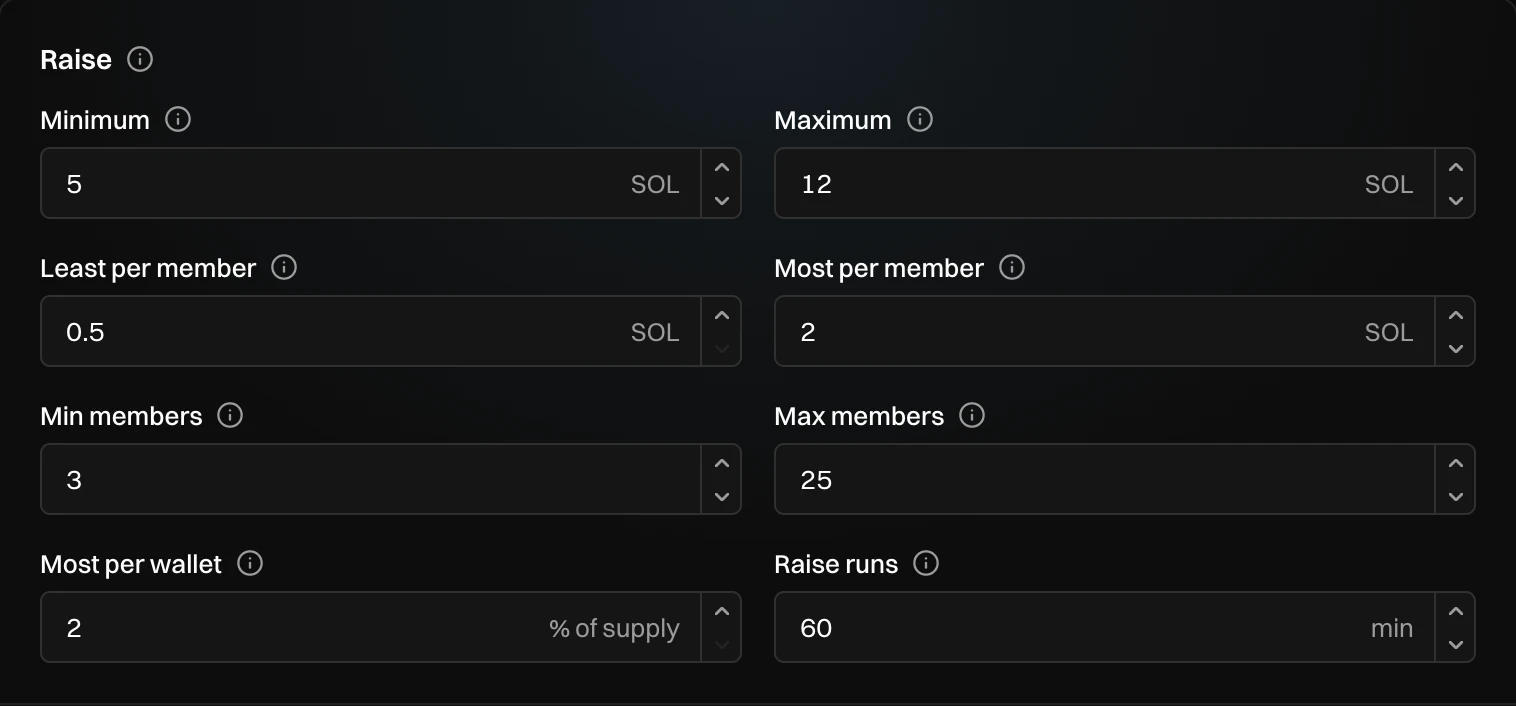
- Minimum: the least the pool needs. Not reached when the raise ends: everyone is refunded.
- Maximum: the most the pool takes. Once it is reached, the group locks.
- Least per member: smaller deposits go back.
- Most per member: anything above it goes back. 0 means no limit.
- Min members: fewer at the end, and everyone is refunded.
- Max members: at this many, the group locks.
- Most per wallet: the most of supply one group wallet buys.
- Raise runs: how long the raise lasts from opening. In its last 5 minutes, nobody can take a deposit back.
The fields follow each other. When you change one and leave it, the others move to fit, so the numbers always work together.
Turn on Verified wallets only under the raise if every member has to prove their return address with their wallet. People without a wallet app cannot join then.
Choose how members sell
Under Selling, pick Sell together or Each their own.
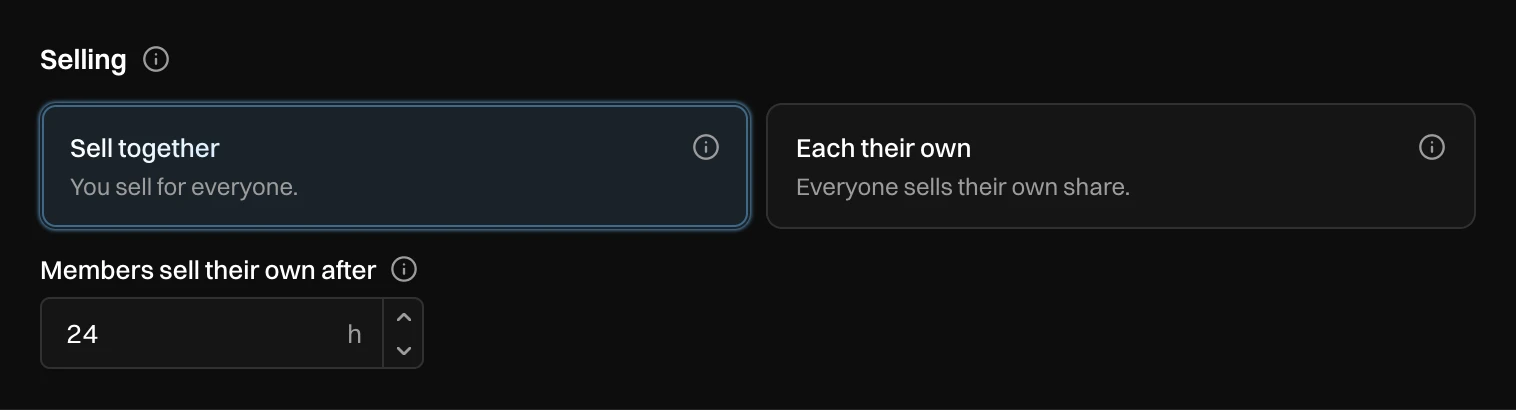
With Sell together, you sell for everyone. Members sell their own after sets when each member can also sell their own share, counted from the launch. That way nobody's money is stuck if you stop selling.
Choose who gets the creator fees
Under Creator fees, pick Holders or Members, by what they put in.
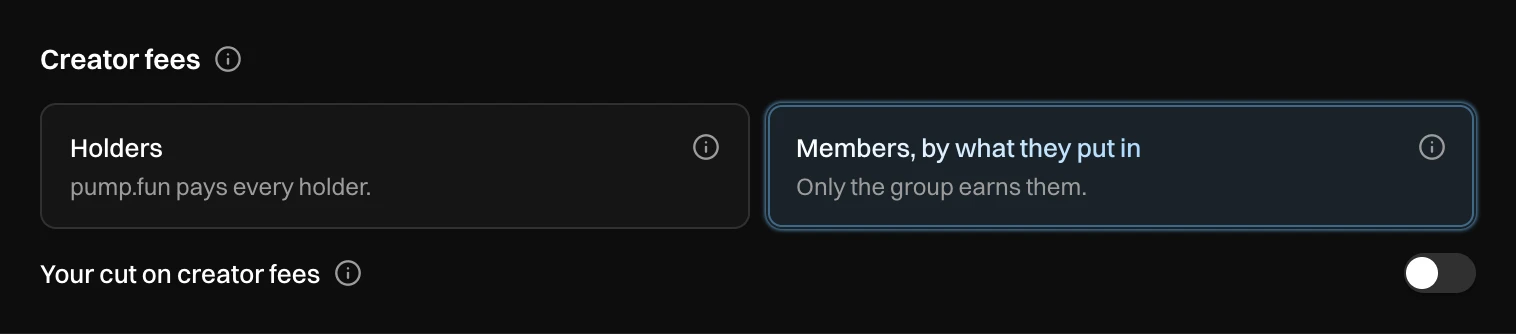
- Holders: pump.fun pays the creator fees, 0.3% of every trade, to everyone who holds the token. Nothing to claim.
- Members, by what they put in: only the group earns them. They are paid out to members with every payout, and once a day after the last one.
If you take a cut of the profit, Your cut on creator fees applies that cut to creator fees too.
Set your terms
Under You, set what you take and how long you have to launch.

- Your cut of the profit: a share of each member's profit, never of what they put in. Nothing on a loss.
- Launch within, after lock: how long you have to launch once the group locks. Too late, and everyone is refunded.
- You put in: your own SOL, sent from your funding wallet when the group opens. It counts like anyone's. Leave it at 0 to put in later.
Review and open
Check Rules: every group launch keeps them, so members lose at most pump.fun's fees, about 3%, if the group sells right away. See What members can lose.

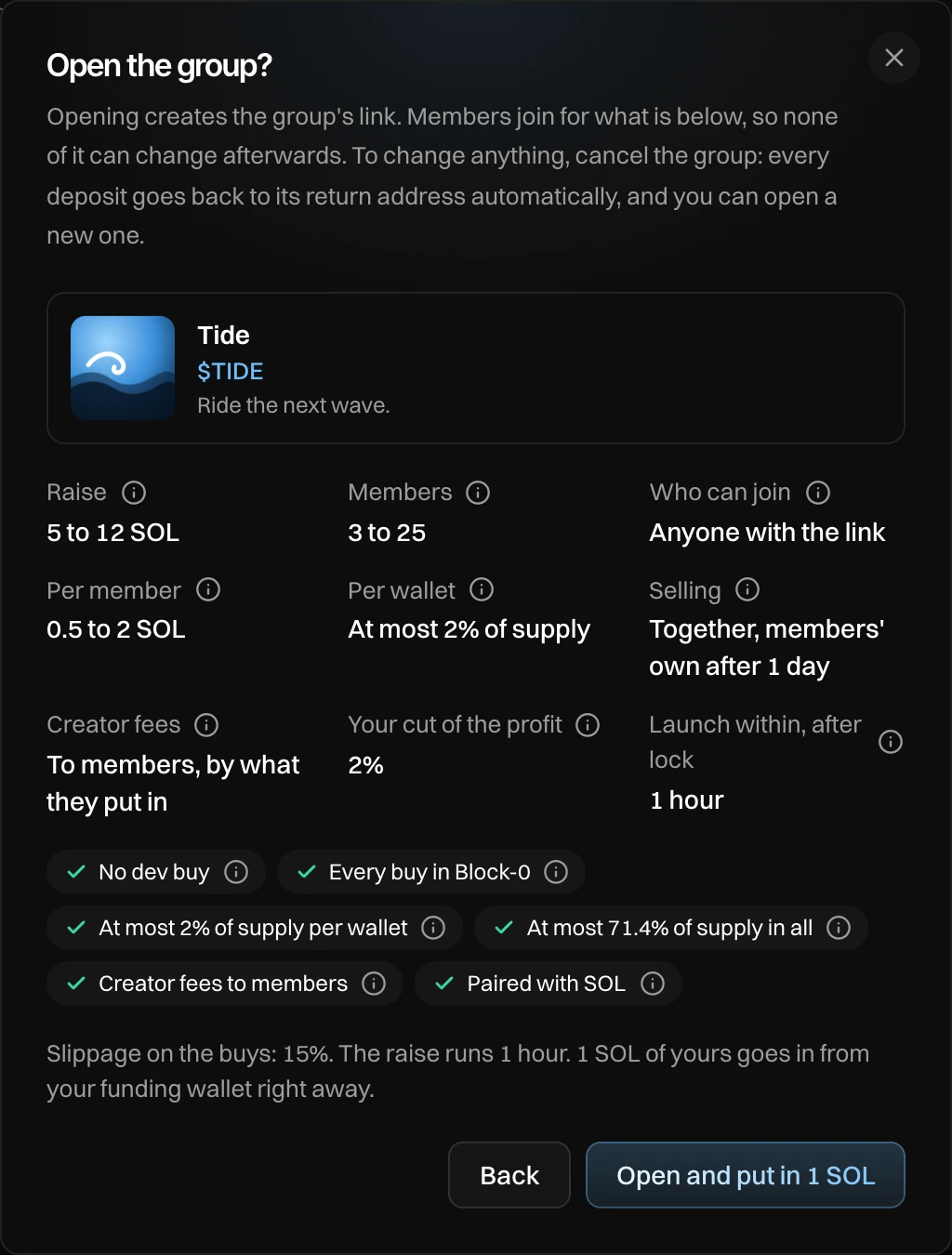
Press Review and open. The window shows the token and every term members will join for. Press Open the group, or Open and put in 1 SOL when you put in your own SOL.
You see "Group open. Share its link." The group's panel takes the place of the setup. Next: Run your group.
Nothing can change once the group is open: not the terms, not the token details. To change anything, cancel the group. Every deposit goes back to its return address automatically, and you can open a new one.
Settings
| Setting | What it does | Default | Range |
|---|---|---|---|
| Minimum | The least the pool needs. | 1 SOL | Up to the maximum |
| Maximum | The most the pool takes. | The most Block-0 can buy | Up to the most Block-0 can buy |
| Least per member | Smaller deposits go back. | 0.5 SOL | Up to the maximum |
| Most per member | Anything above goes back. | No limit (0) | Least per member to the maximum |
| Min members | Fewer at the end: refund. | 1 | 1 to max members |
| Max members | At this many, the group locks. | 50 | 1 to 50 |
| Most per wallet | The most of supply one group wallet buys. | 2% | 2 to 5%, in steps of 0.5% |
| Raise runs | How long the raise lasts. | 60 min | 10 min to 24 hours |
| Verified wallets only | Members prove their return address. | Off | |
| Members sell their own after | With Sell together: when members can sell their own share. | 24 h | 1 hour to 7 days |
| Your cut of the profit | Your share of each member's profit. | 0% | 0 to 5%, in steps of 0.5% |
| Launch within, after lock | Time to launch once the group locks. | 60 min | 10 min to 24 hours |
| You put in | Your own SOL, sent when the group opens. | 0 | Your per member limits |
Most per wallet sets how big the pool can be. Block-0 holds a fixed number of buys, so a higher share per wallet lets the group raise more, but a few big wallets look heavier to outside buyers. The field shows the most your settings allow.
Messages you can see
| Message | What to do |
|---|---|
| Token details: ... | Press Token details next to it and fill in what is missing. |
| Switching the launch to SOL... | Wait a moment. A group launch is paired with SOL. |
| This launch already has a group | Open its panel in Launch settings. To start over, cancel it first. |
| This token is already live. Open a group on a draft, before launch. | Groups open before launch only. Start a new launch. |
| Your ... SOL did not go in | The group is open, but your own SOL was not sent. Use Put in on the group's panel. |